 ATOMIC NOTES
NOTES APP FOR ANDROID · v2.03.5
ATOMIC NOTES
Your Notes, Your Drive, Always Yours.
The Atomic Notes app keeps your notes on your phone first, works offline, and syncs to a folder in your own Google Drive. Turn on the optional end-to-end encrypted vault, and every note is sealed on the device before it leaves.
- No AI
- No ads
- No trackers
- AES-256-GCM
- Source available
WHAT IS THE ATOMIC NOTES APP?
A notes app that answers to you.
The Atomic Notes app is a free, source-available notes app for Android that keeps your notes on your phone first and syncs them to a private folder in your own Google Drive. It's a notes app without ads, AI, or analytics. Turn on the optional vault and it becomes an encrypted note taking app: AES-256-GCM seals every note on the device, so the sync server and Google only ever store ciphertext.
- Platform
- Android 9 or newer
- Latest version
- 2.03.5, released Sep 28, 2026
- Where notes live
- Your phone, then your own Google Drive
- Encryption
- Optional vault: Argon2id + AES-256-GCM
- Price
- Free. 30 notes and daily sync energy
- Tracking
- None. No analytics, crash, or ad SDKs
- Source
- Public to read and verify. All rights reserved
- Made by
- DevBehindYou (Ashutosh Sharma)
WHY IT EXISTS
Built after a bad afternoon.
The developer used a mainstream notes app the way most people do. Ideas, mostly. Also a few account passwords and private notes he never should have typed there. Then one ordinary day the emails started: “New sign-in from a location you don't usually use.” One account, then another. What followed was a frantic afternoon of password resets, token revocations, and locked-out services.
The lesson wasn't “switch notes apps.” So Atomic Notes became the app he wished he'd had. Your notes live on your device first. The cloud is an option you control, and it's your own Google Drive. The business model can never be “mine the contents of your notes.”
The revival. Atomic Notes was first built about three years ago and shelved on purpose, because the tooling couldn't yet do it justice. It can now. The rebuild brought a new design system, a sync engine that writes to your Drive, a full performance pass, and an end-to-end vault.
Stop using apps that take your data hostage and use it for their own private, profit-driven ends.
The lesson behind Atomic Notes
THE PROBLEM
Most notes apps ask too much of you.
Ask around for a good notes app for Android, and you hear the same complaints. The free ones are covered in ads or lock basic features behind a paywall. Others won't open without a signal, or keep your notes in their own cloud, so getting them into Google Drive means sharing them one at a time. And “free” often means your content is the product, under terms that can change after you've written your notes. In August 2023, Zoom faced a backlash over terms that appeared to allow AI training on customer data (TechCrunch). In June 2024, Adobe rewrote its terms after users revolted over wording about accessing their content (Adobe).
Every claim here can be checked in the public source code. The dependency list in pubspec.yaml is the whole list of libraries the app ships.
FEATURES
Everything a notes app needs. Nothing it doesn't.
01 · NOTES AND CHECKLISTS
Write first. The network can wait.
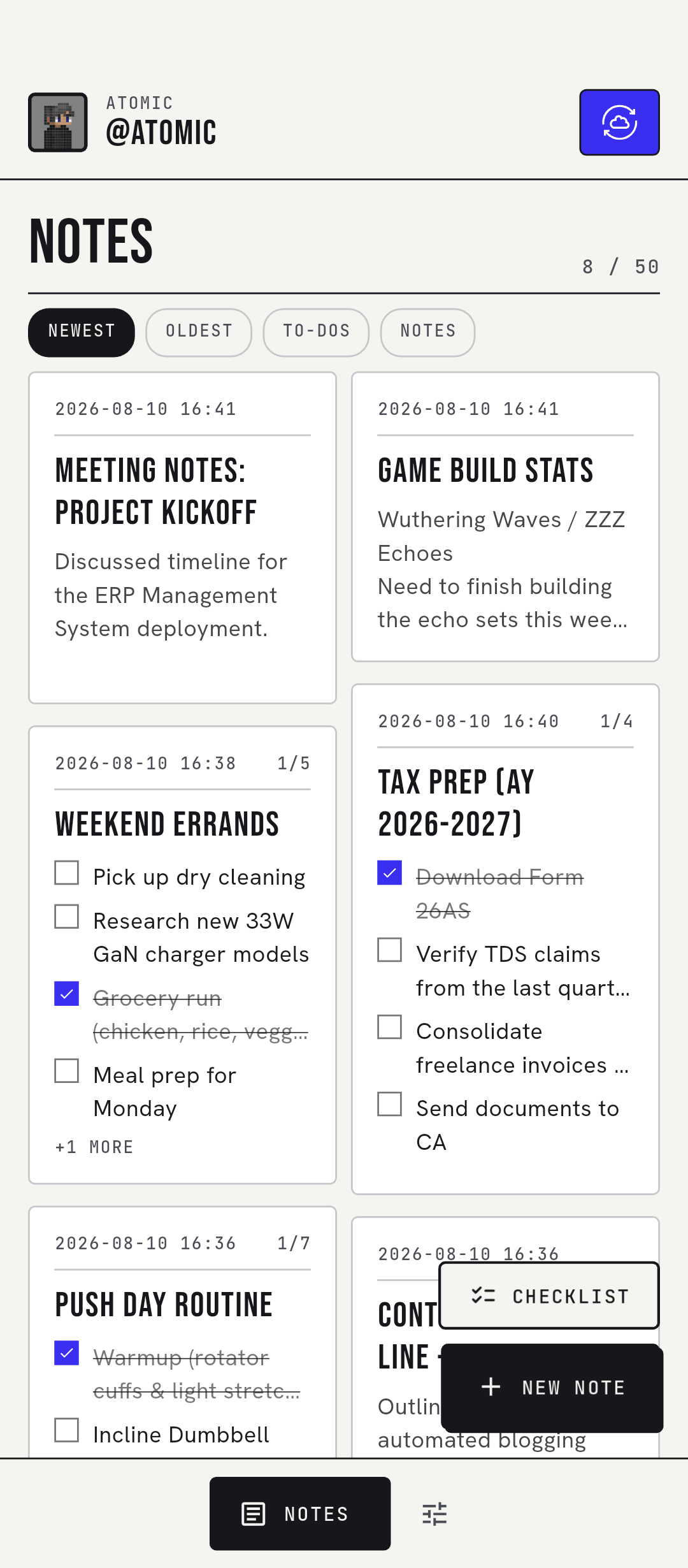
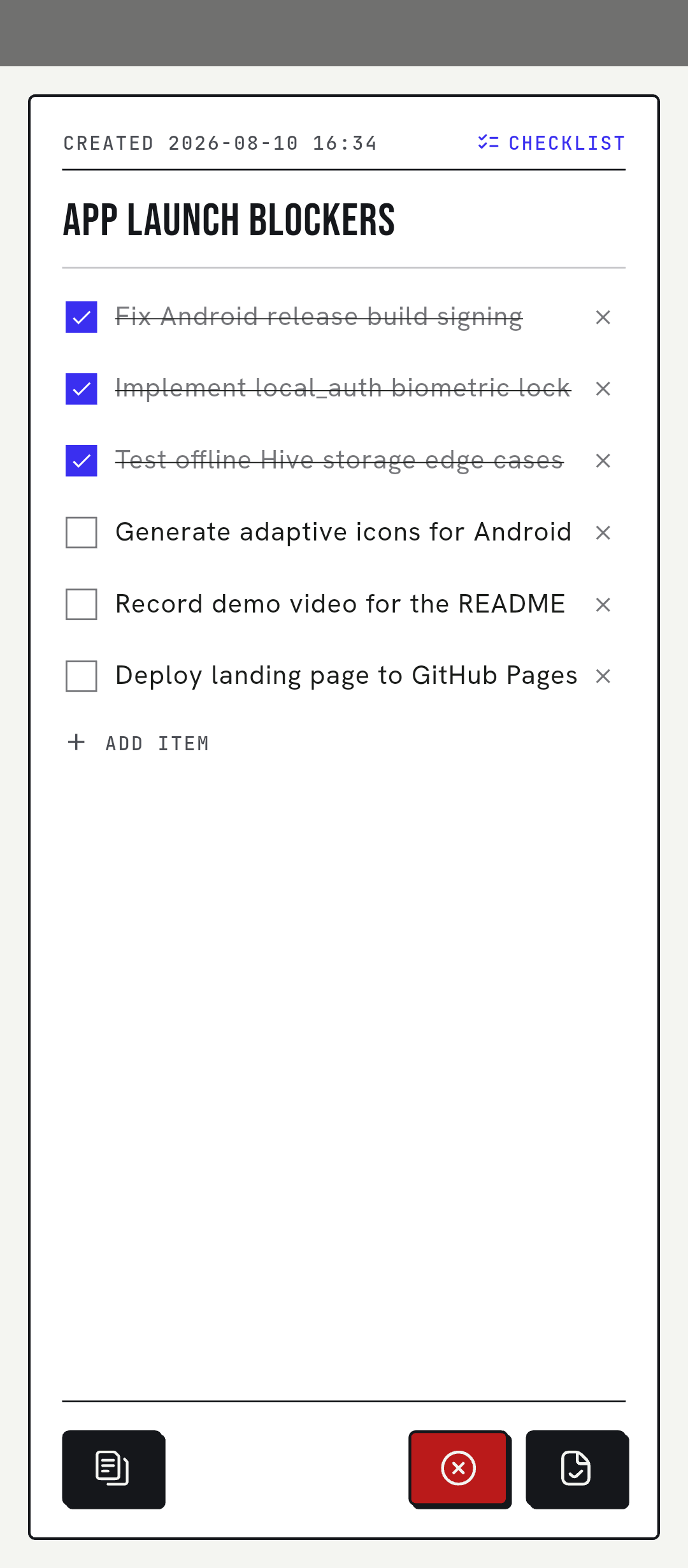
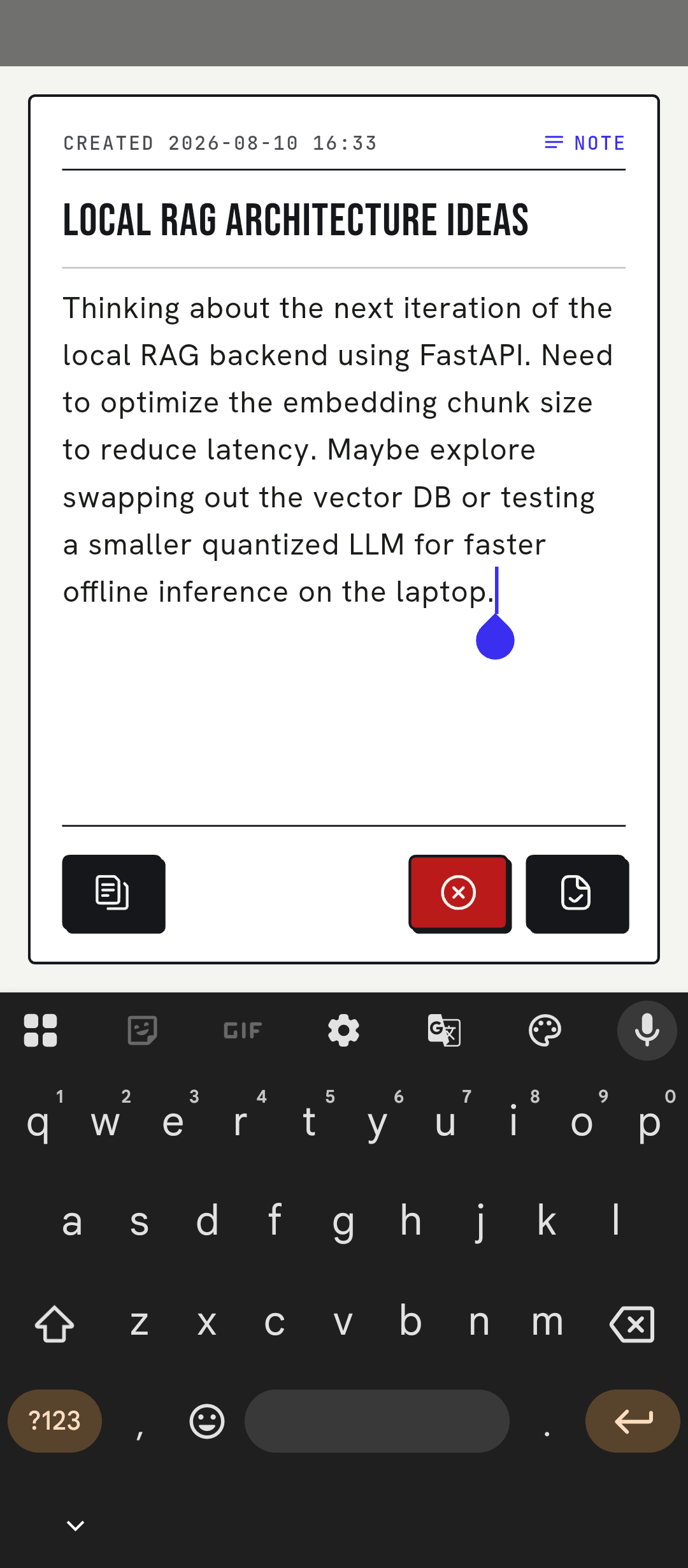
Every change lands in on-device storage as you type. Closing the app or losing signal can't lose your work, and the Atomic Notes app opens just as fast in airplane mode. A checklist is a note, so both share one editor, one list, and one limit.
Notes that save as you type, even offline
Text notes and checklists save to your phone on every keystroke. No spinner, no lost work, and no waiting on a weak signal.
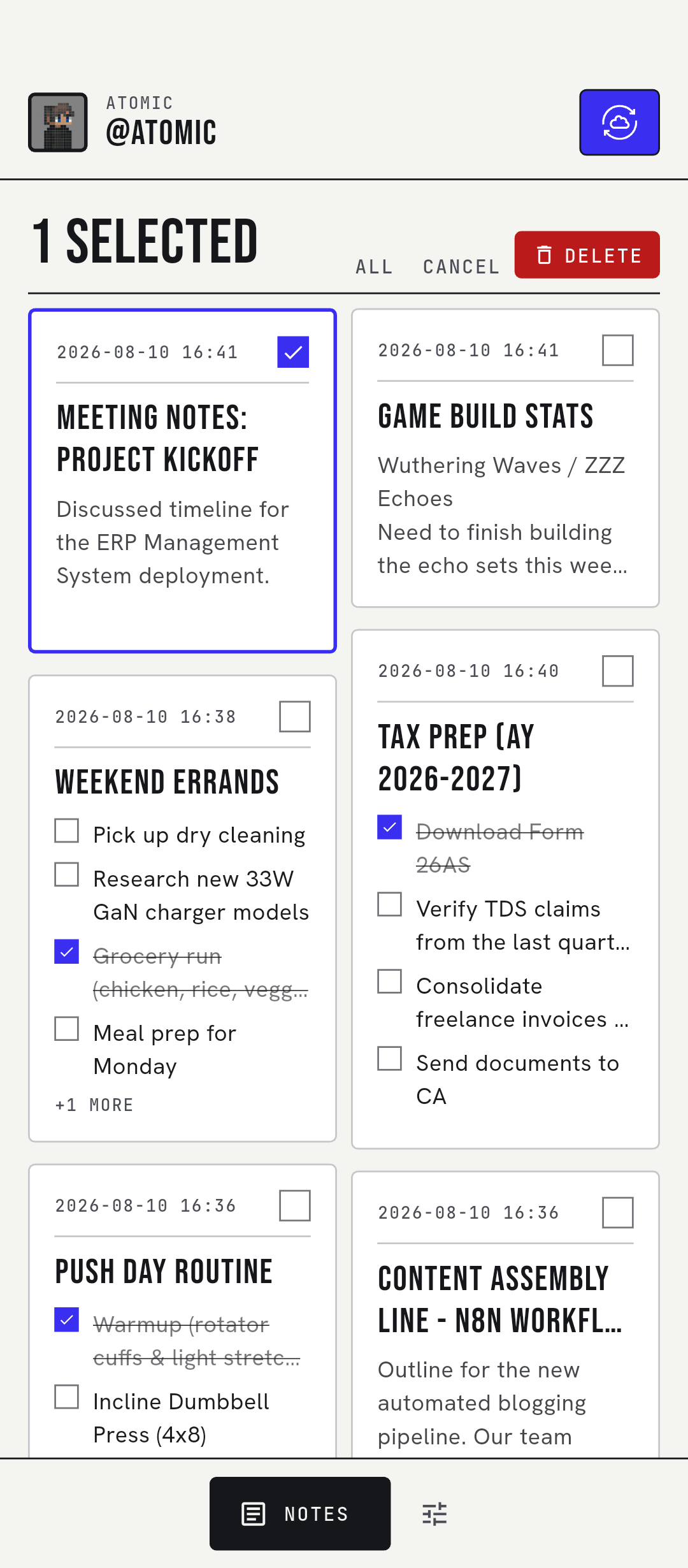
- Pin, filter, and multi-select
- Recycle Bin for deleted notes
- Works offline, the same as online
Google Drive notes sync
Each note becomes one .atomic file in a My-Atomic-Notes folder in your own Google Drive. The server keeps IDs, flags, and timestamps, never your titles or text.
- drive.file scope: sees only its own files
- Syncs after you stop typing
- A conflict copy instead of an overwrite
An encrypted note taking app, when you want one
Six words you write down become a key on your phone through Argon2id. AES-256-GCM seals every note before it leaves the device.
- Drive and server see ciphertext
- Lock it on one device any time
- The key never leaves your phone
A notes app with password protection
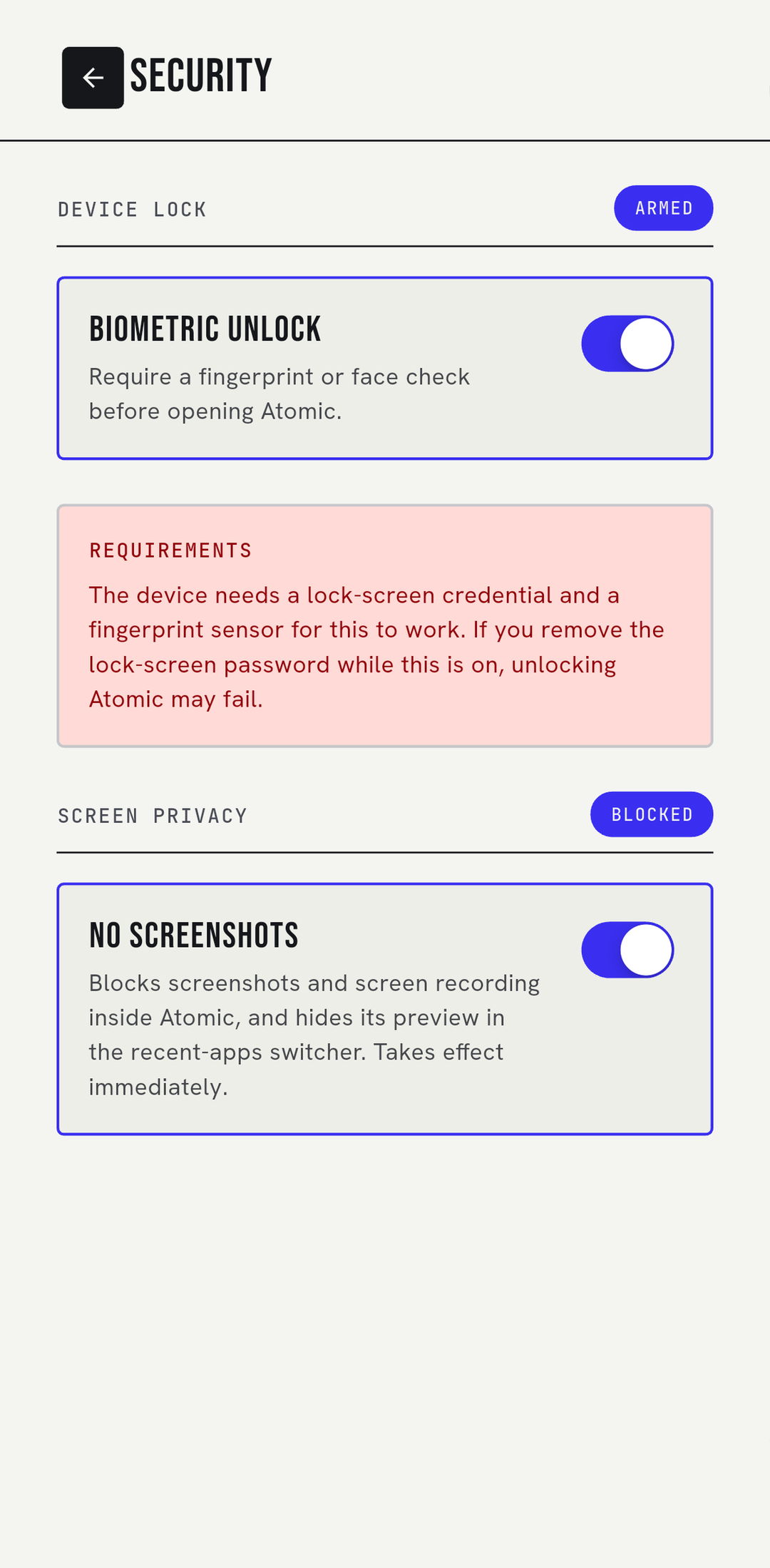
A biometric app lock asks for your fingerprint or face at launch, with your phone's PIN, pattern, or password as the backup. Screenshots and screen recording stay blocked.
- Biometric app lock
- Two-step verification (TOTP)
- Android secure storage for secrets
Straight from the team
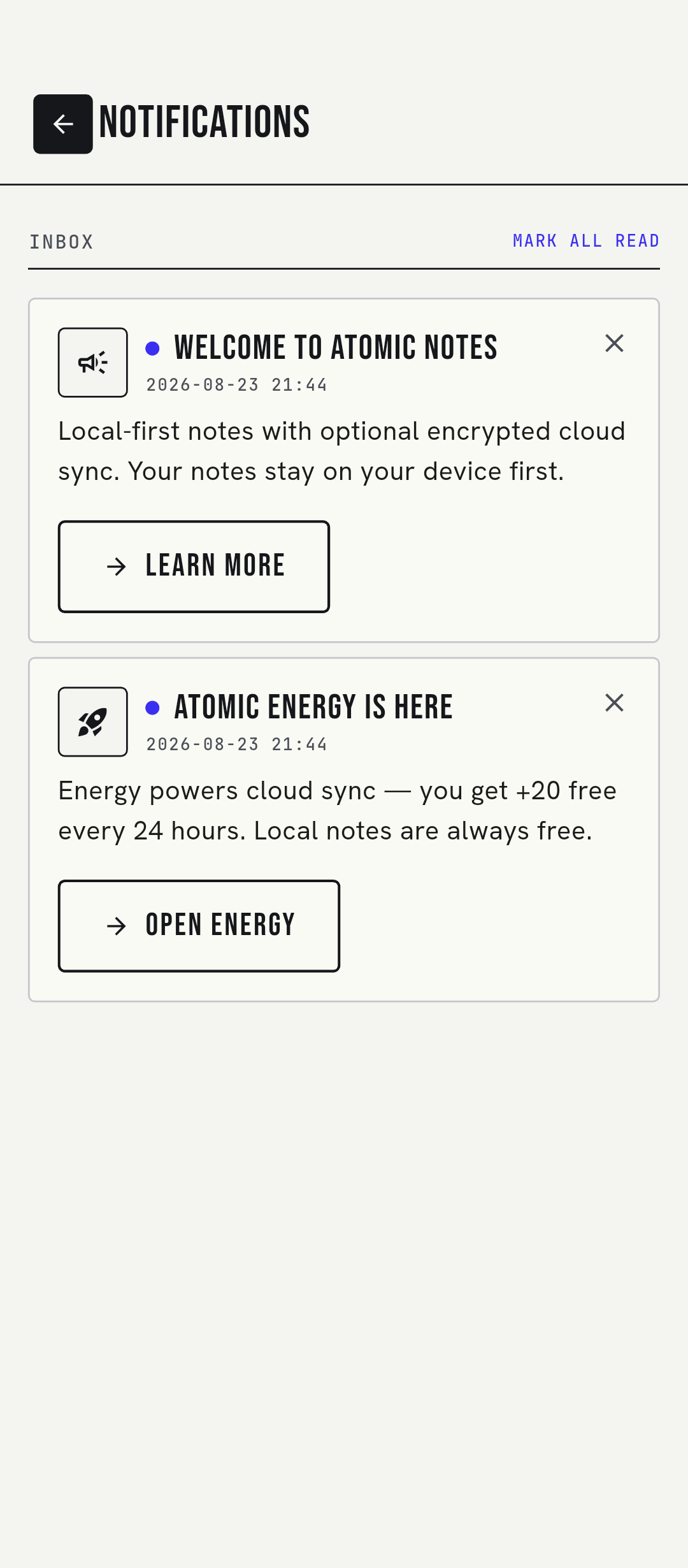
The bell collects release news, maintenance notices, and feature updates. Tap one to mark it read, or dismiss it. Pinned notices stay until they're resolved.
- Read and dismiss per message
- Filtered to your app version
- Refreshes when you open the app
Your data, your call
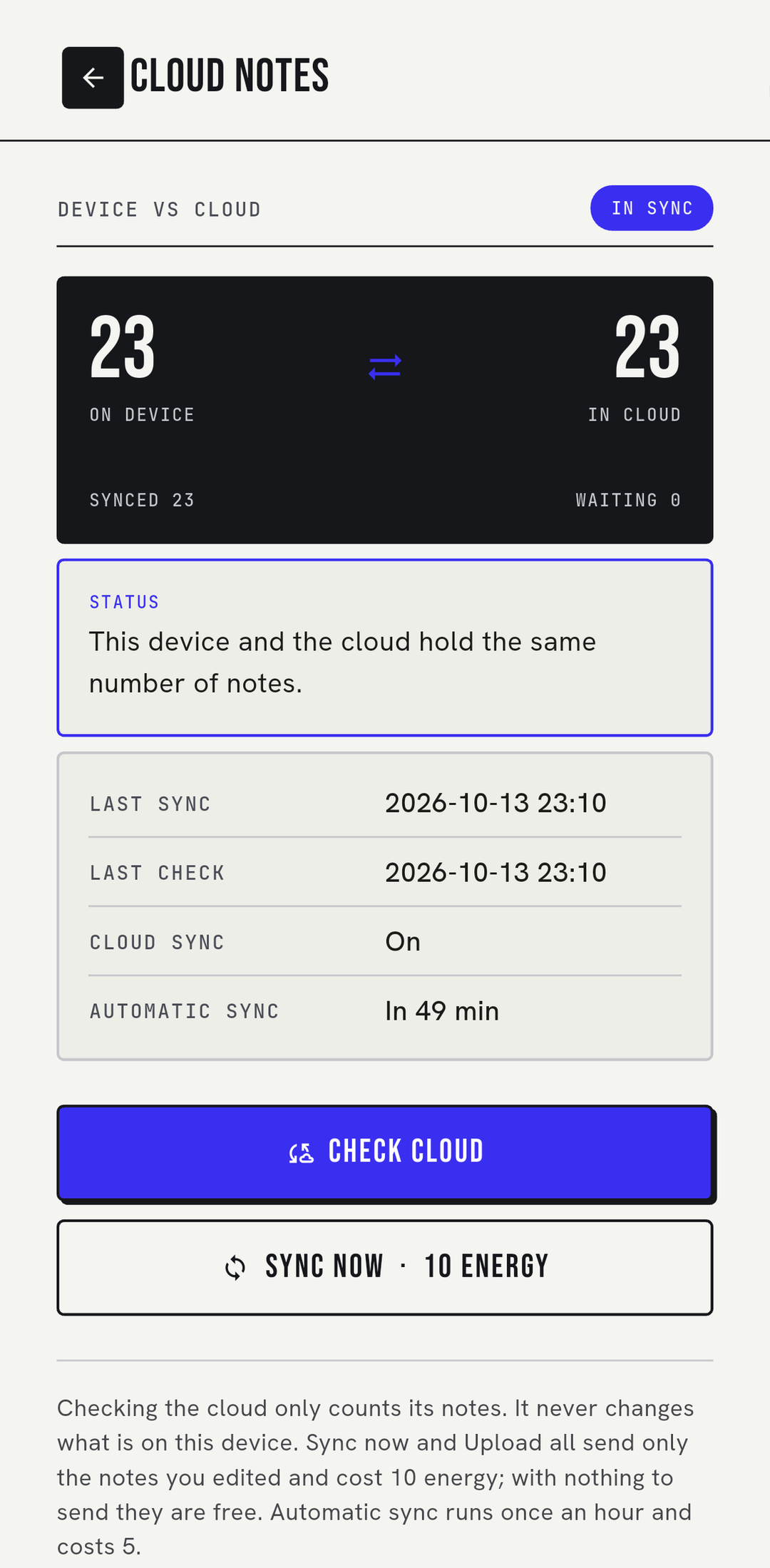
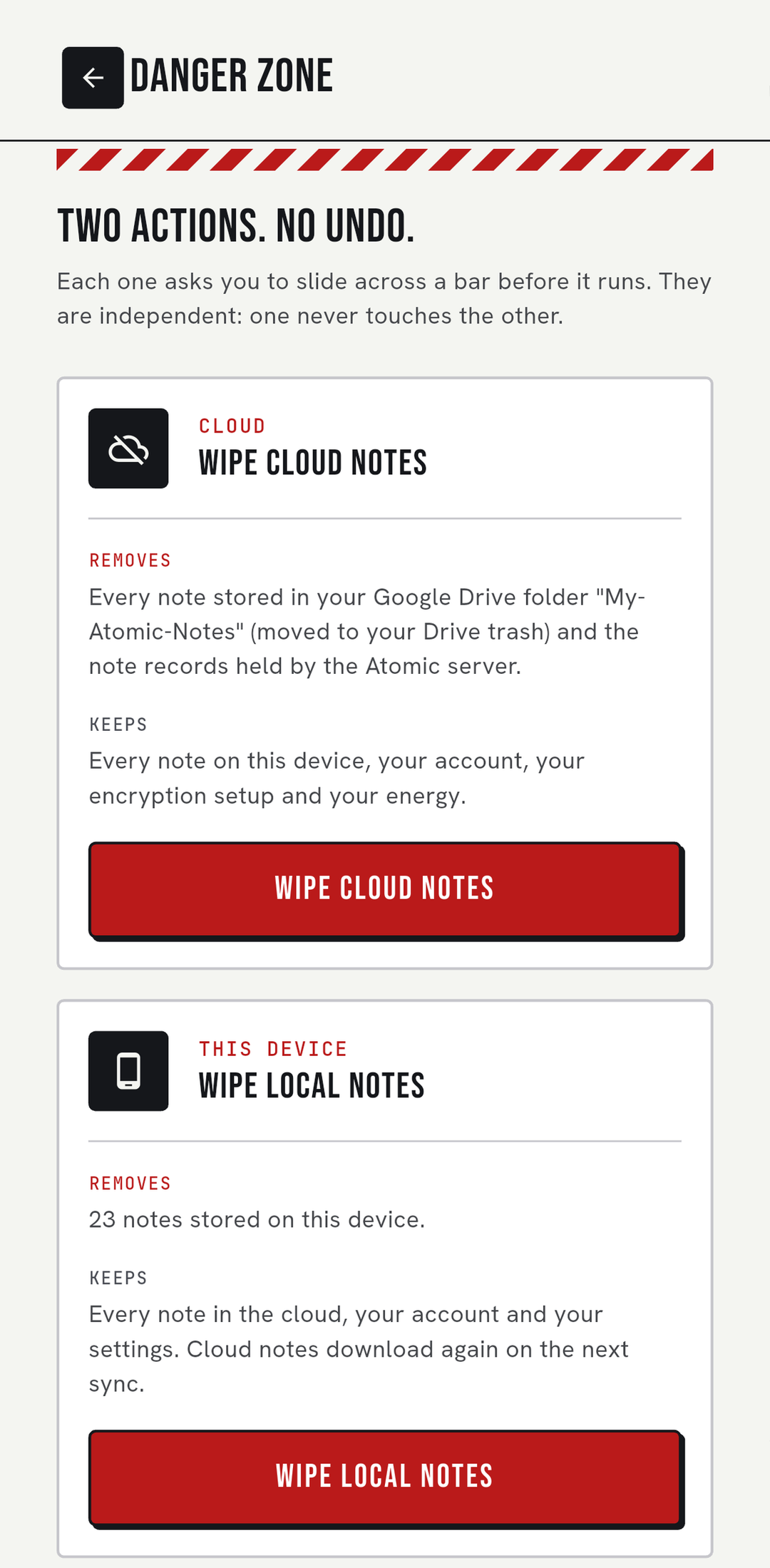
Turn cloud sync off and notes stay on the phone. See what's on the device versus in the cloud. Wipe either side on its own.
- Cloud sync on or off
- Device and cloud counts
- Separate local and cloud wipe
02 · THE VAULT
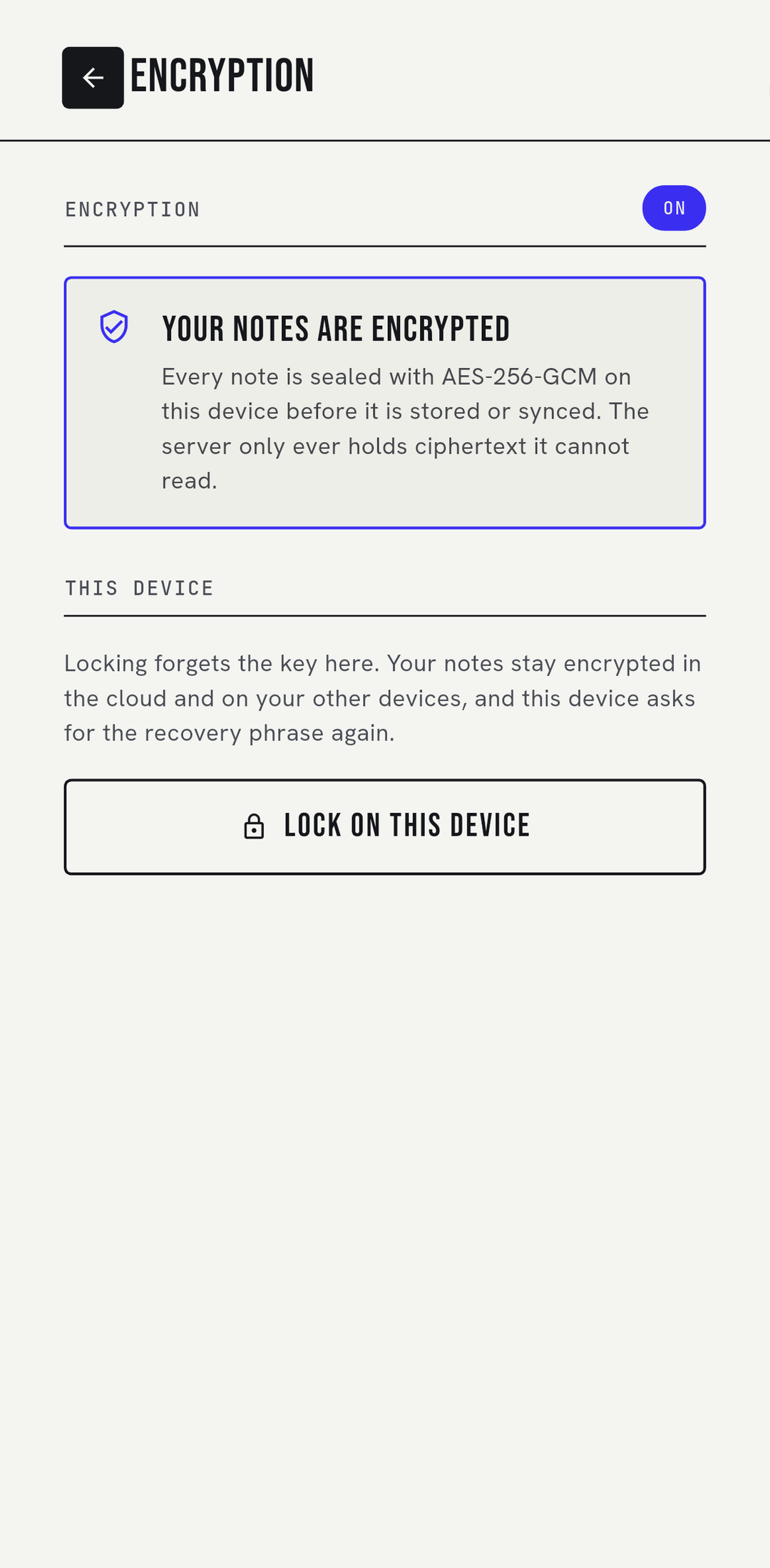
Sealed on your phone. Ciphertext everywhere else.
Turn the vault on and write down your six-word recovery phrase. Argon2id (64 MiB of memory, 3 passes) turns it into a key on the device, and AES-256-GCM seals each note before it syncs. A new phone asks for the words once. Lose them, and no one can decrypt your vault notes, including us. That's what makes it a real encrypted note taking app, not just a password screen.

03 · MEET ATOMI
A mascot that tells you the sync status.
Atomi lives on the home screen. It tells you whether everything is synced, when the next automatic sync runs, and that your changes are safe on the phone when you're offline.
HOW IT WORKS
Phone first. Drive second. Server in between.
The phone is the source of truth. The server checks your energy, keeps the sync in order, and writes files to your Drive. It never stores note text.
- 01
Write
Your note saves to the phone as you type. It's marked as waiting to sync.
- 02
Seal
With the vault on, the note is encrypted with AES-256-GCM before it leaves the phone.
- 03
Sync
The server charges energy once, then writes up to 8 note files to your Drive at a time.
- 04
Arrive
Your other devices pull what changed, 10 files per page, and merge it into their own copy.
What each party can see
| Vault off | Vault on | |
|---|---|---|
| Your phone | Everything | Everything, after unlock |
| Your Google Drive | Note titles and text | Ciphertext only |
| Atomic Notes server | Note text in transit to Drive. Stores metadata only | Ciphertext in transit. Stores metadata only |
| Atomic Notes team | No access to your Drive files | No access, and no key |
Built to survive bad networks
- A sync cut off by a closed app finishes on the next launch, with no second charge.
- A dropped connection is retried after 5, 15, and 45 seconds.
- If the same note changed on two phones, you get a “(conflict copy),” not a loss.
- Push 9 notes to Drive
- 3.2 s
- Push 22 notes to Drive
- 6.8 s
- Cold start after a force stop
- 0.5 to 0.9 s
Measured on a real phone against production on September 27, 2026.
ATOMIC ENERGY · TRY IT
Writing is free. Energy powers sync.
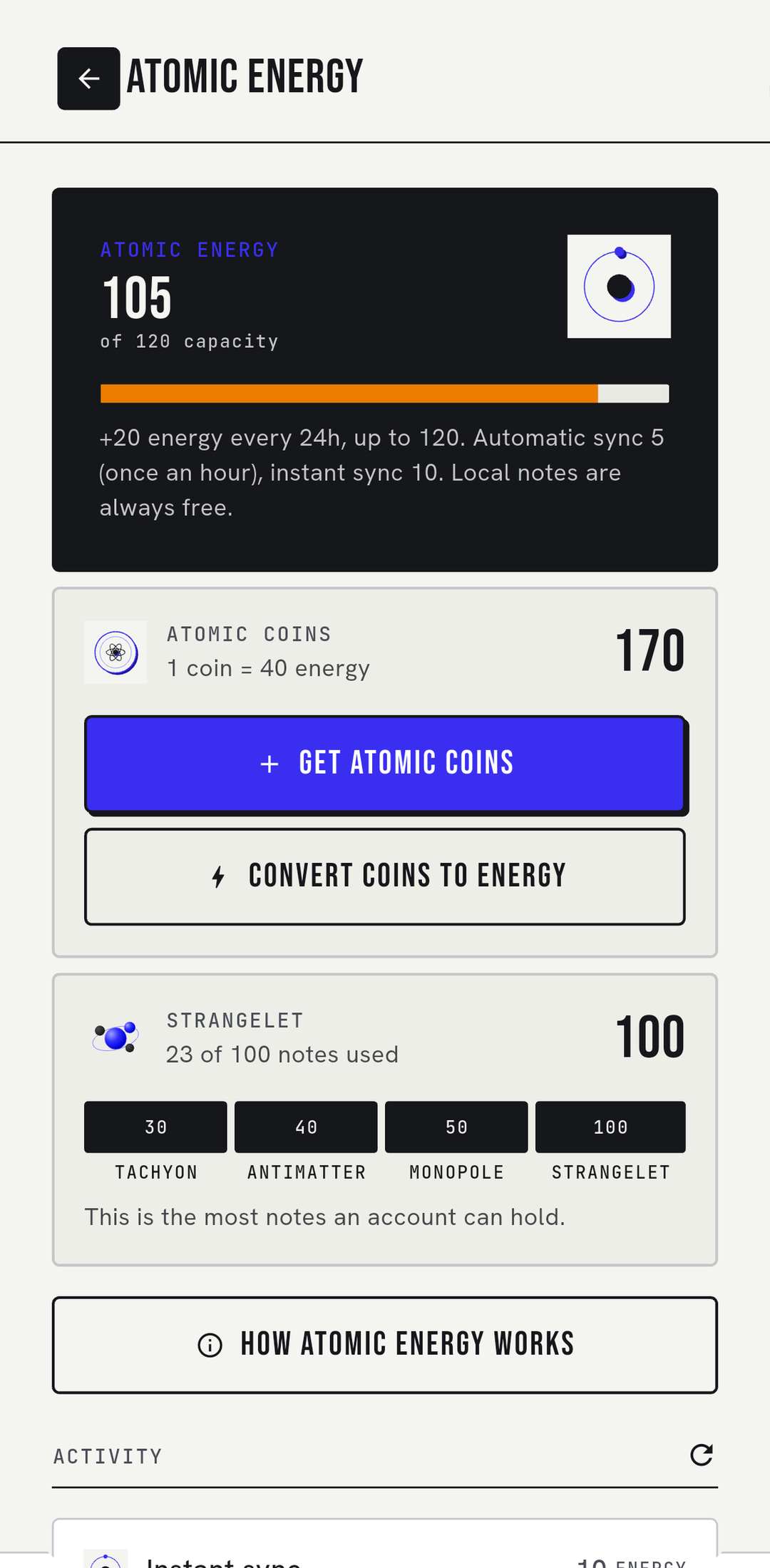
Ads don't pay for the Atomic Notes app. Energy does. It refills on its own every day, and Atomic Coins top it up or buy more room for notes. No subscriptions, and nothing that touches your content.
ATOMIC ENERGY
20 / 120
ATOMIC COINS · 5
+20 energy / 24h · cap 120 · 1 coin = 40 · sync 5 (std) / 10 (instant)
- Free energy
- +20 every 24 hours
- Energy cap
- 120
- Standard sync
- 5 energy, at most once an hour
- Instant sync
- 10 energy, any time
- Nothing to upload
- Free
- 1 Atomic Coin
- 40 energy
New accounts get 5 Atomic Coins. If a sync fails and no note gets through, its energy is refunded. Coins can't be bought in the app yet, but early supporters get them: support on Patreon or Ko-fi.
Note capacity tiers

Tachyon
Antimatter

Monopole

Strangelet
Checklists count the same as notes. A tier is a one-time spend, and the server enforces the limit.
THE INTERFACE
Ink on paper. One signal.
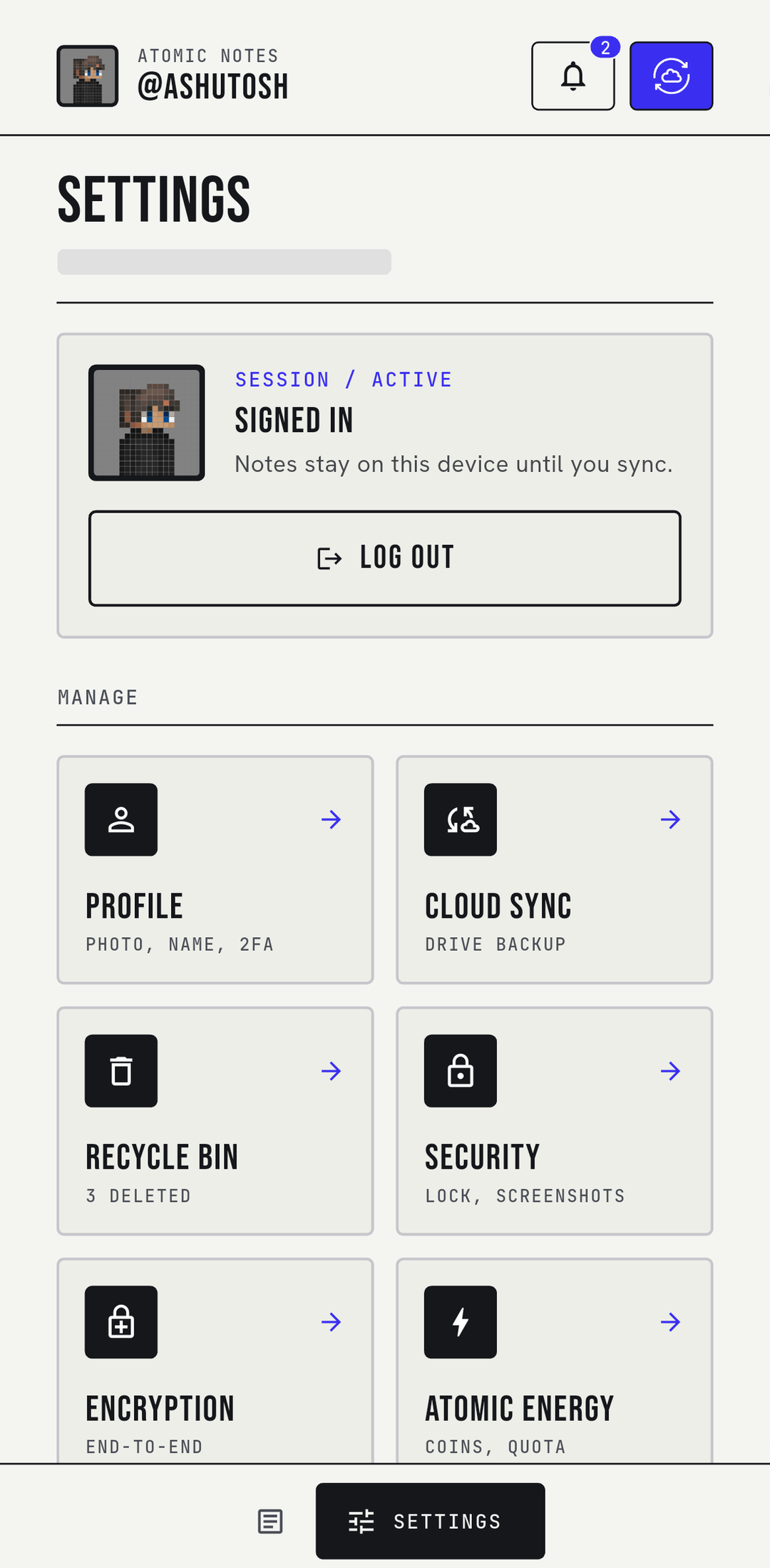
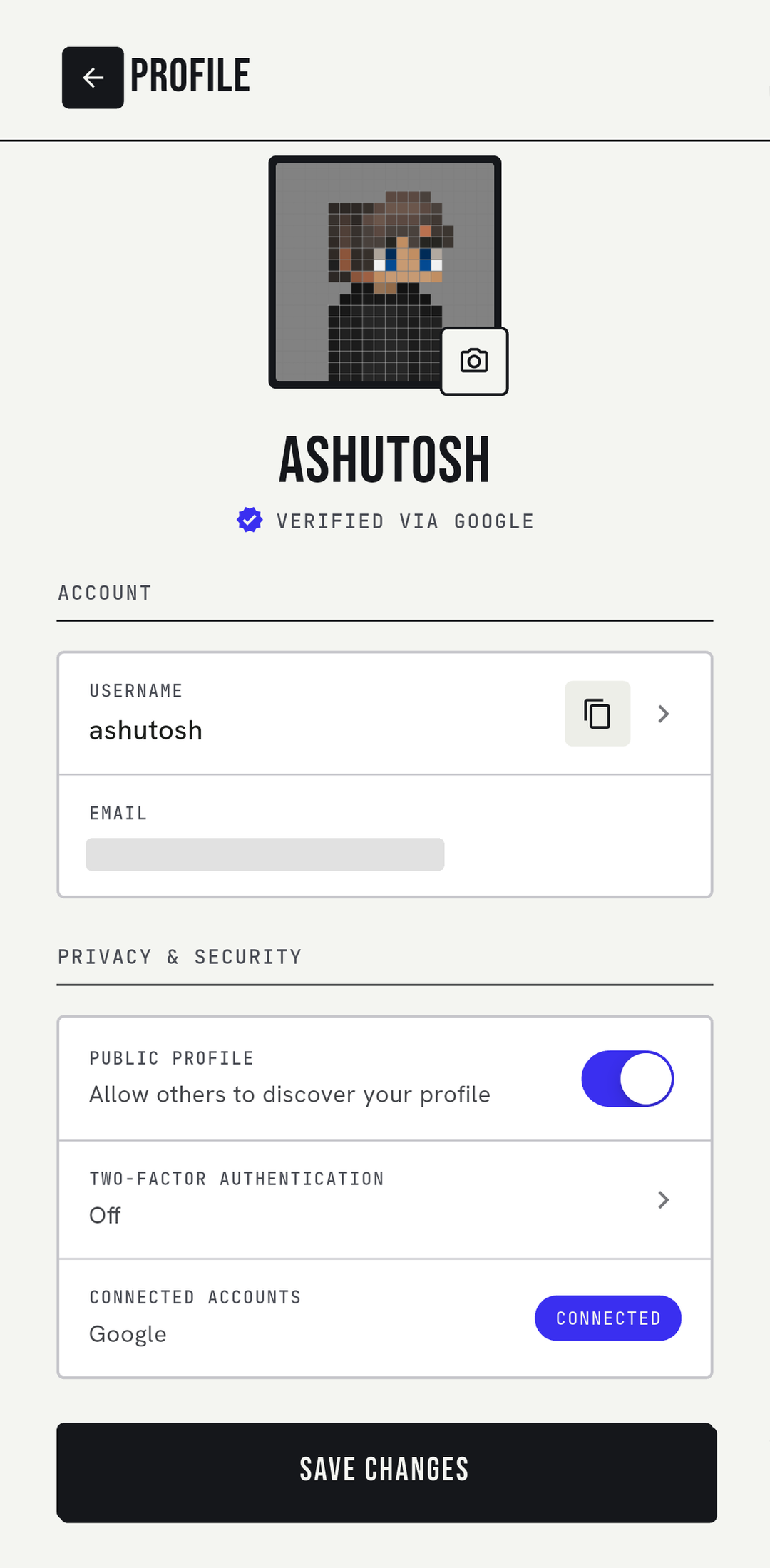
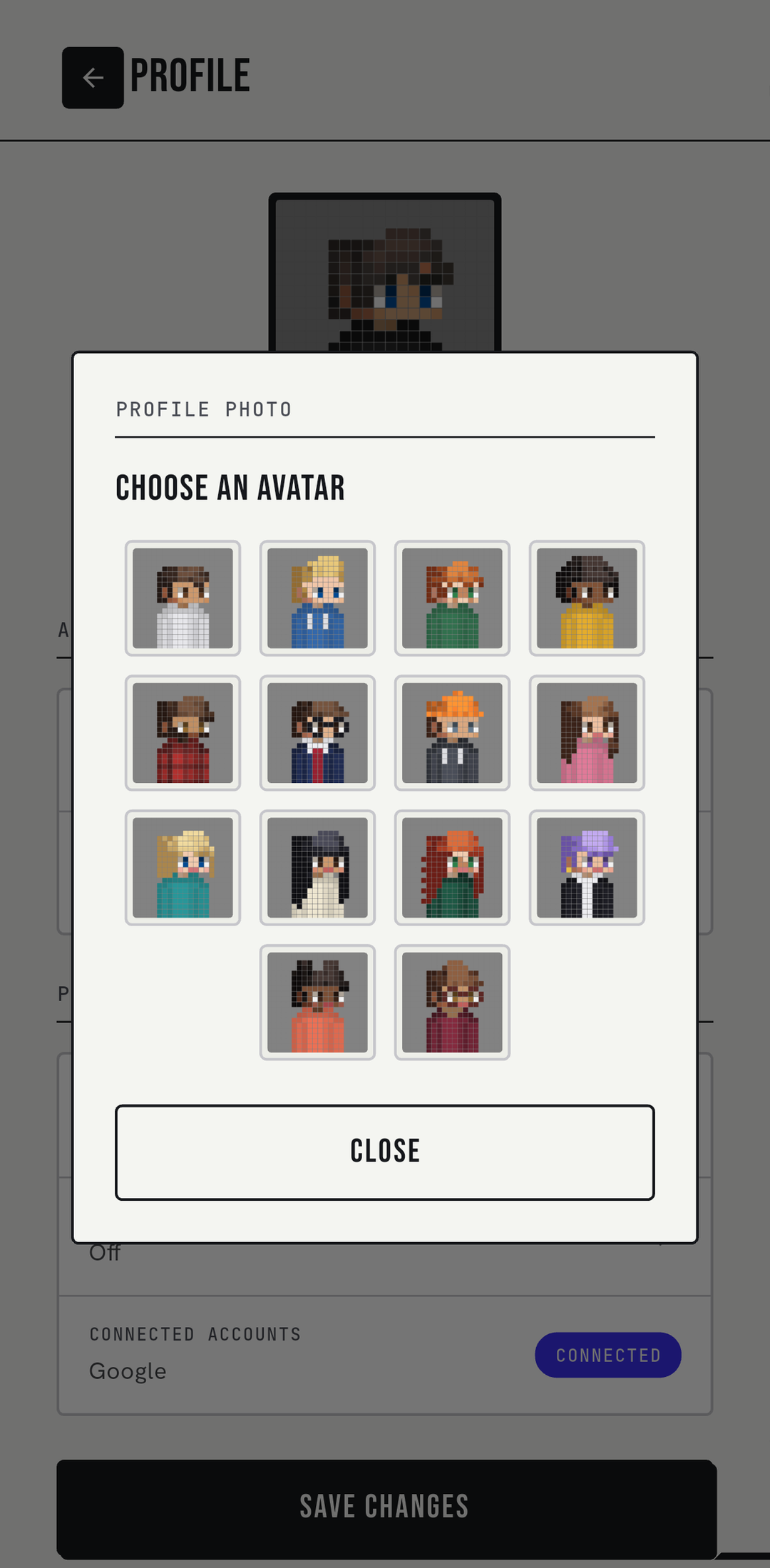
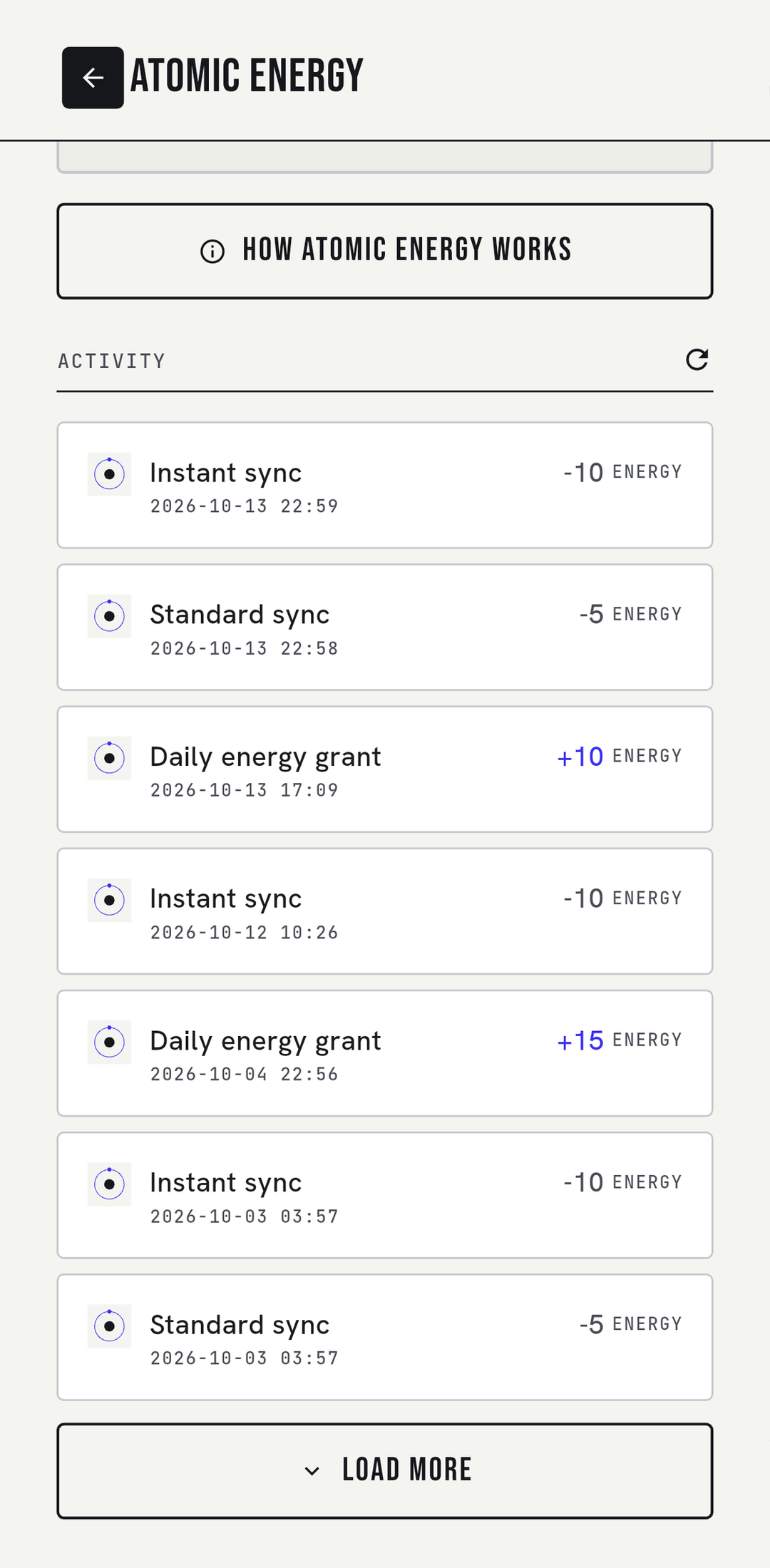
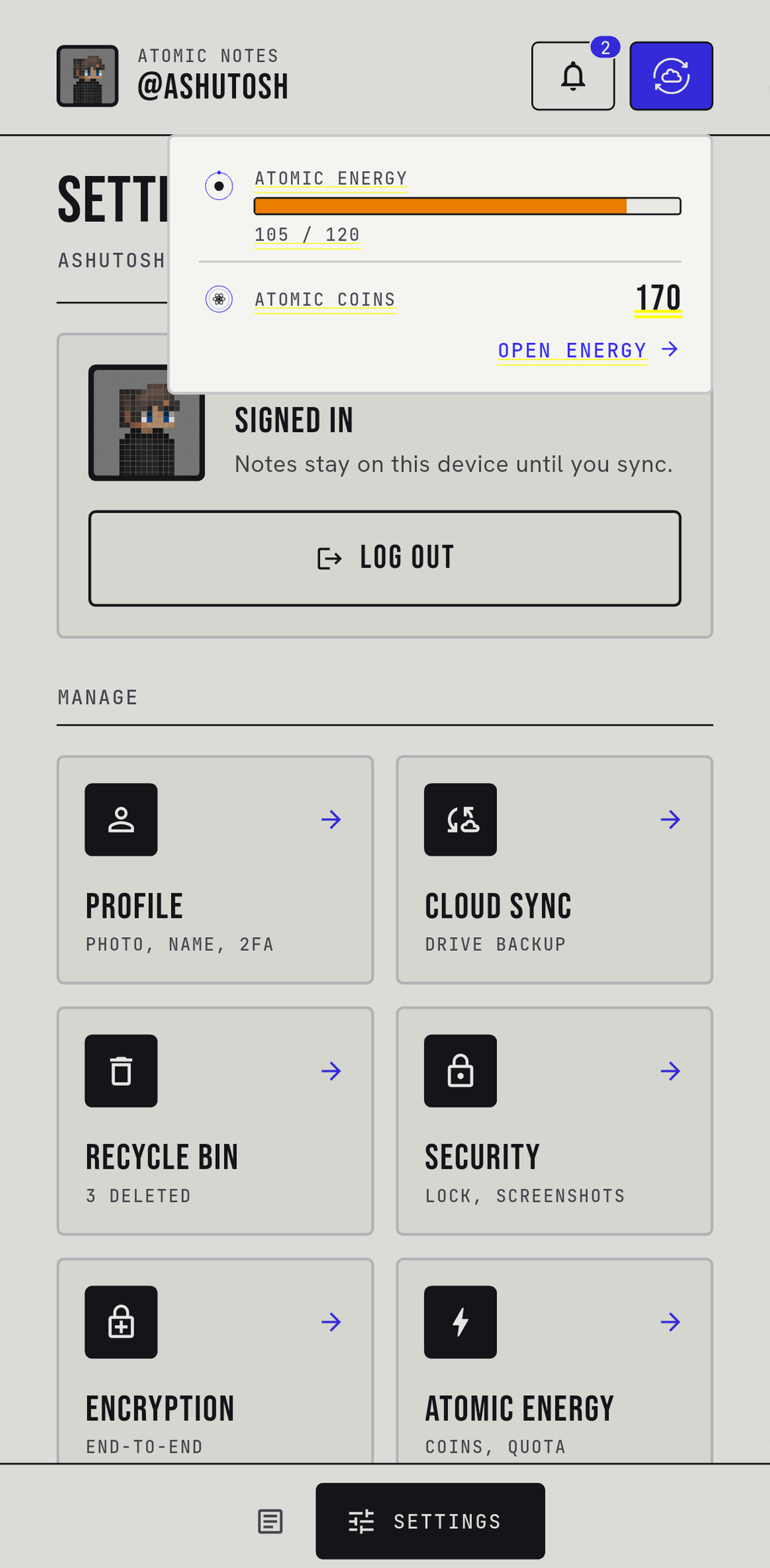
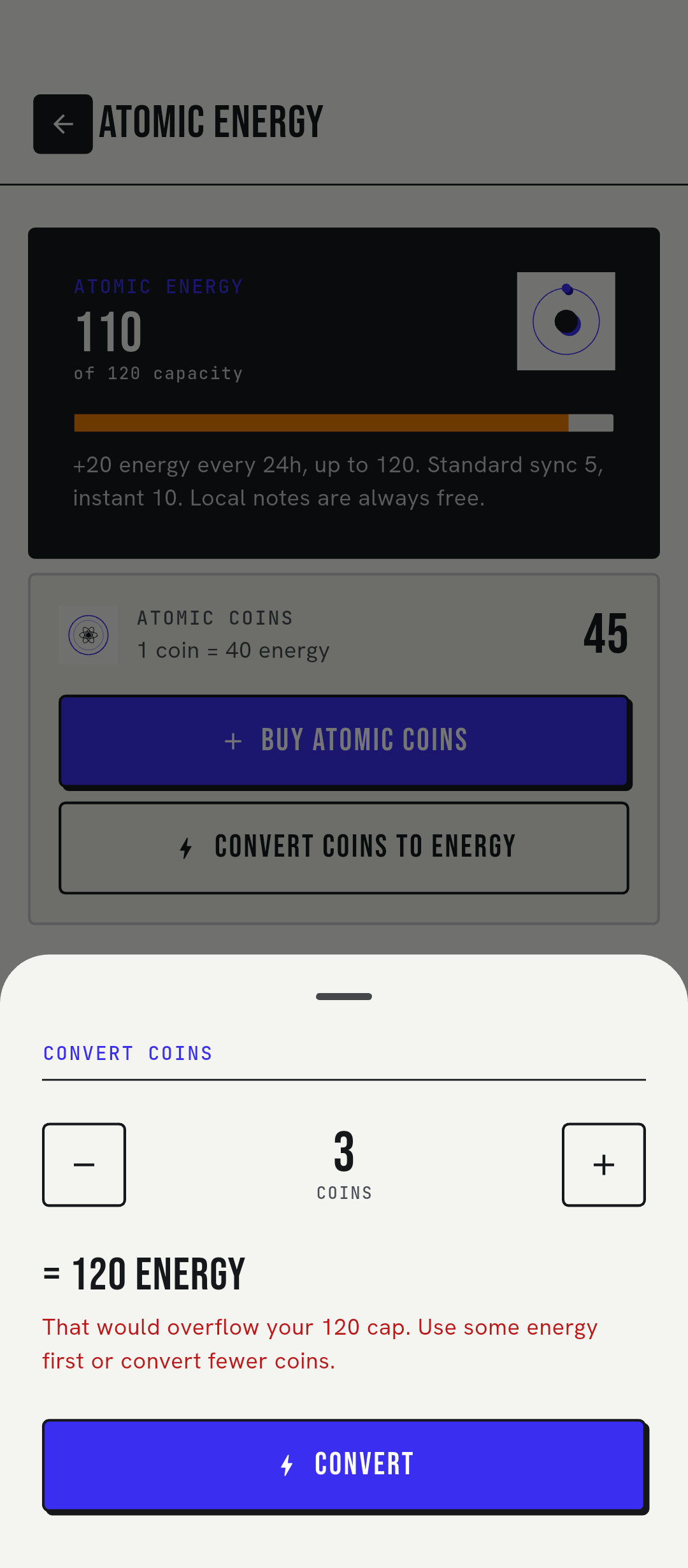
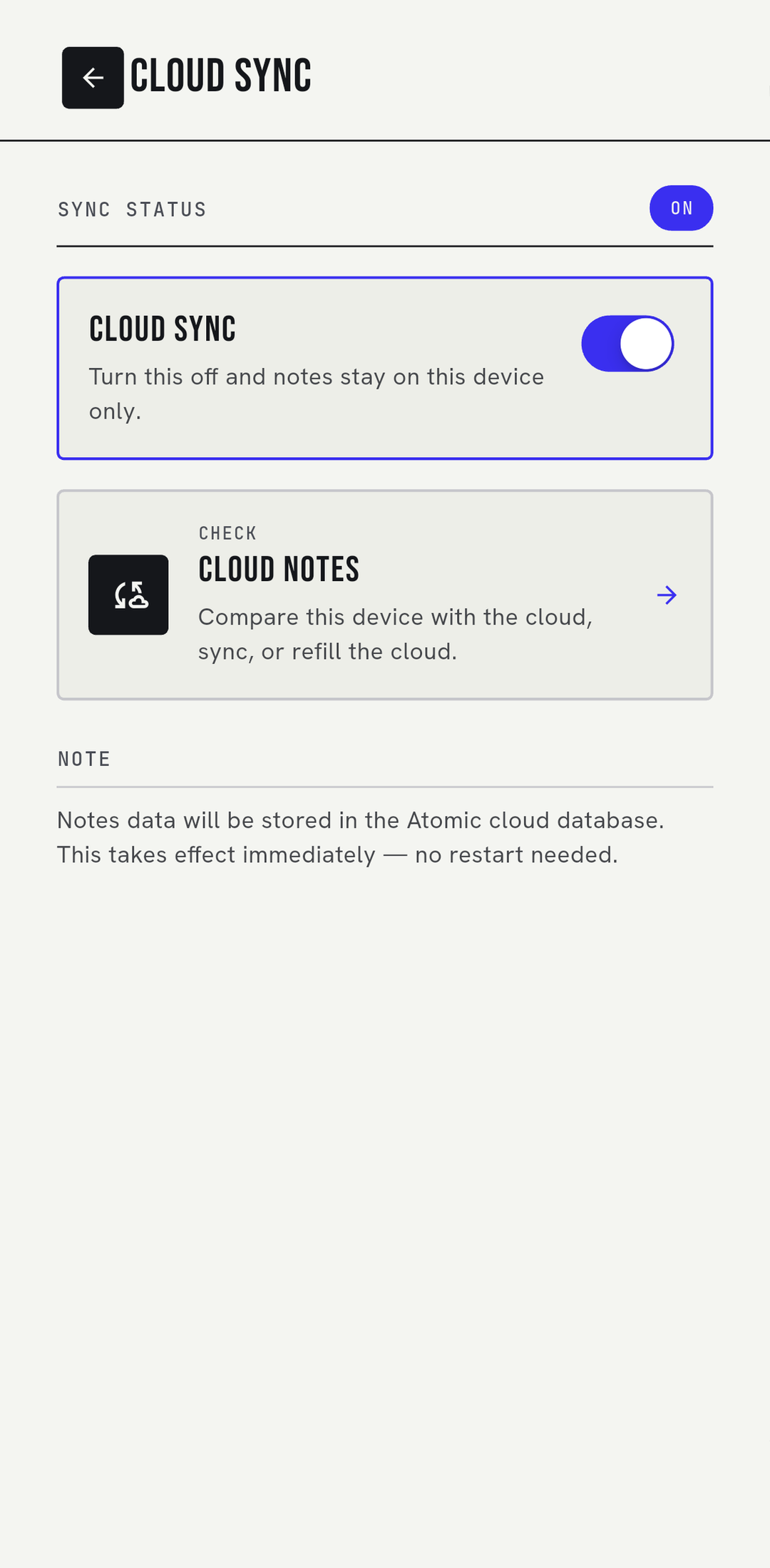
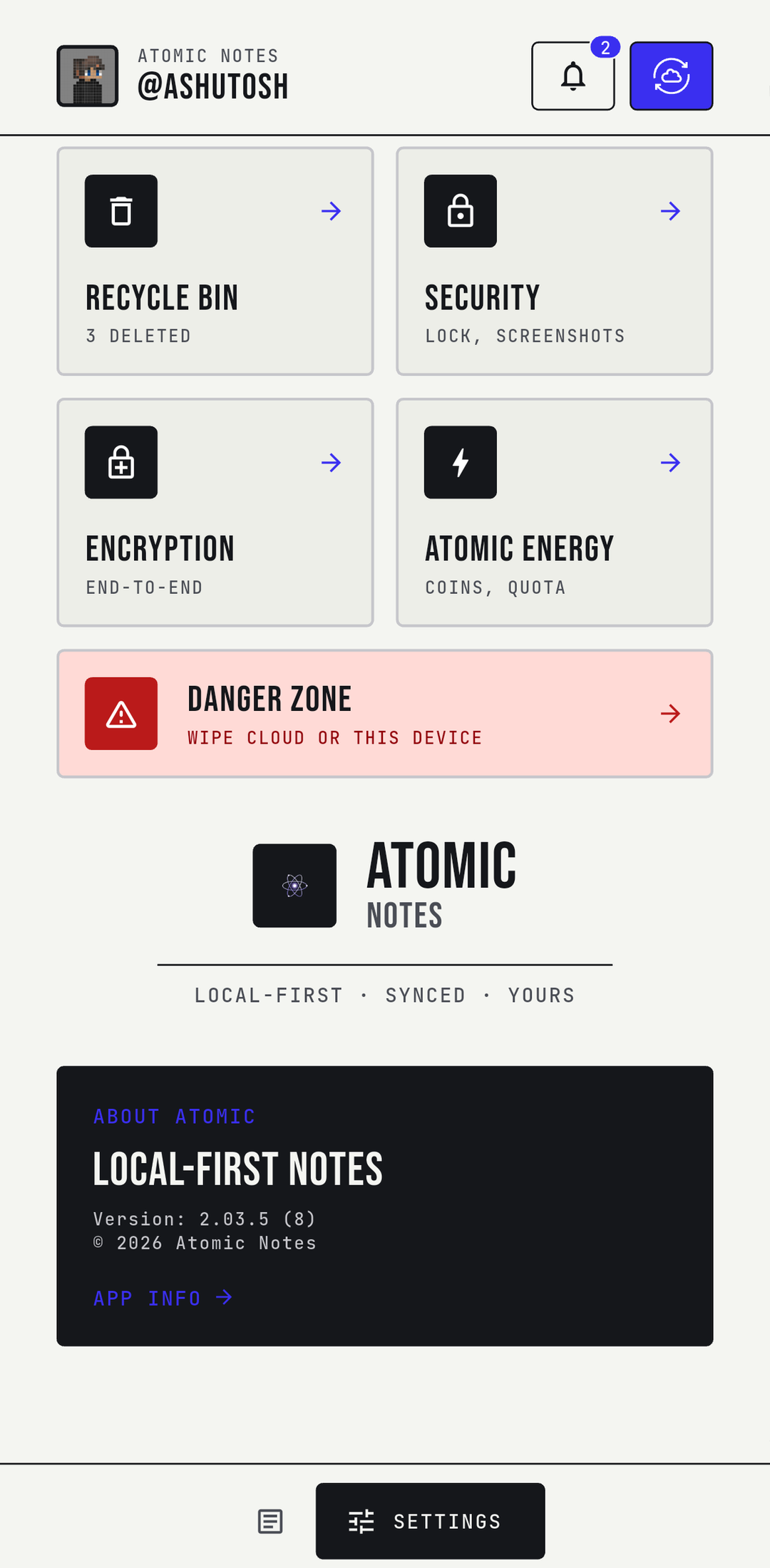
The Technical Editorial design system: ink #15171B on paper #F4F5F1 with one accent, Signal #3A2FF0. Tap any screen to zoom. Settings, vault, energy, sync, and Danger Zone screens are from release 2.03.5. The notes, editor, coin, and notification screens are from the August 2026 build.
A 30-second tour in a phone mockup. The home and editor screens in it preview the redesign in progress, with search, tags, and text formatting that aren't in release 2.03.5 yet. Everything else matches the current app.
ROADMAP
Where it's going.
- 01Local-first notes and checklists, offline by defaultShipped
- 02Sync to your own Google Drive, replay-safeShipped
- 03End-to-end vault with a 6-word recovery phraseShipped
- 04Atomic Energy, Atomic Coins, and capacity tiersShipped
- 05Notification center, biometric lock, and two-step codesShipped
- 06Open Google sign-in to everyoneNow
- 07Coin packs you can buyNext
- 08Background sync while the app is closedNext
- 09iOS buildNext
Not on the roadmap: AI features and paid subscriptions. Both were rejected.
LATEST UPDATES
From the build.
general · high
Important: Back Up Your Notes Before v2.03.9
Atomic Notes v2.03.9 is being prepared with major stability and data migration improvements. • Keep a backup of important notes. • Do not uninstall Atomic Notes. • Do not clear app storage. • Avoid using the current build as the only copy of sensitive or important information. Your existing data is a priority during this upgrade. More updates soon. ⚛️
general · normal
Get Atomic Coins Early
Atomic Notes is built by one developer. Support the project at the amount you choose, share your Atomic Notes account email, and the developer will send you Atomic Coins as an early-supporter reward.
FAQ
Straight answers.
Is the Atomic Notes app free?
Yes. Writing and keeping notes on your phone is free, and every account holds 30 notes at no cost. Cloud sync uses Atomic Energy, which refills by 20 every 24 hours. That covers four standard syncs a day. Atomic Coins add more energy or note capacity. There are no subscriptions.
Is this the same as the atomic notes method or other apps called Atomic Notes?
No. The Atomic Notes app on this site is an Android notes app made by DevBehindYou. It isn't related to the atomic notes method, where you keep one idea per note, or to other apps with a similar name. You can still use it for one-idea notes if you like that style.
Is there a notes app for Android that syncs with Google Drive?
Yes. The Atomic Notes app syncs each note as its own .atomic file in a My-Atomic-Notes folder in your Google Drive. That Google Drive notes sync uses the narrow drive.file permission, so the app sees only the files it created. The Atomic Notes server stores only metadata such as note IDs, timestamps, and flags, never your note titles or text.
Does the Atomic Notes app work offline?
Yes. The app opens and saves notes the same way with or without a connection, because the phone holds the main copy. Changes made offline sync on their own when the network comes back. You need a connection only for the first Google sign-in and for syncing to Drive.
Can I password protect my notes on Android?
Yes. Turn on the biometric app lock, and the app asks for your fingerprint or face before it opens, with your phone's own PIN, pattern, or password as the backup. For real encryption, turn on the vault too. A lock hides the screen, and the vault scrambles the stored notes.
Is Atomic Notes an encrypted note taking app?
It is once you turn on the vault, which is optional and off by default. The vault derives a key from a six-word recovery phrase with Argon2id and seals each note with AES-256-GCM on your phone, so your Drive and the server hold only ciphertext. With the vault off, notes are plain text in your own Drive, and they pass through the server on the way there.
Does Atomic Notes have ads, AI, or analytics?
No. It's a notes app without ads, AI features, or analytics. Your notes are never sent to a model or used as training data, and the app ships no crash-reporting or advertising SDKs. You can check this in the public source code, where pubspec.yaml lists every library the app uses.
What happens if I lose my six-word recovery phrase?
Any phone where the vault is already open keeps showing your notes. A new phone is different: it needs the six words to rebuild the key, and that key only ever exists on your devices. So nobody, including the developer, can open your vault notes without them. Keep the phrase on paper, somewhere safe and away from the phone.
Is the Atomic Notes app on Google Play or iOS?
Not yet. Atomic Notes for Android ships as signed APKs on GitHub Releases, and you can check each file's certificate and SHA-256 before you install it. An iOS build is on the roadmap.
GET THE ATOMIC NOTES APP
Sideload it. Keep control.
Download the signed Atomic Notes app APK from GitHub Releases. Most phones need the file ending in arm64-v8a.apk. Version 2.03.5 installs over earlier versions and keeps your notes. Needs Android 9 (API 28) or newer.
VERIFY BEFORE YOU INSTALL
Certificate SHA-256
cc24ae5ce1dca50fcd5e5c4c252d69e4965c55a975bd0e4739e8938fad9bebebCertificate SHA-1
20:08:8F:BF:45:D7:D1:5A:4C:26:69:D6:47:84:16:E2:7F:32:85:45Check with
apksigner verify --print-certs atomic-notes-2.03.5-arm64-v8a.apk